


Sunil Dua is a Salesforce and CRM transformation expert who helps organizations turn fragmented systems into powerful, integrated platforms. From leading multi-million-dollar enterprise projects to guiding nonprofits through digital change, he focuses on combining technology with human-centered strategies.
Known for driving adoption through clear vision, quick wins, and sustained support, Sunil is now at the forefront of using AI-powered tools like Salesforce Agentforce to create smarter, more personalized engagement for members, customers, and communities. We thank Sunil for taking the time to share his insights and experiences with us.
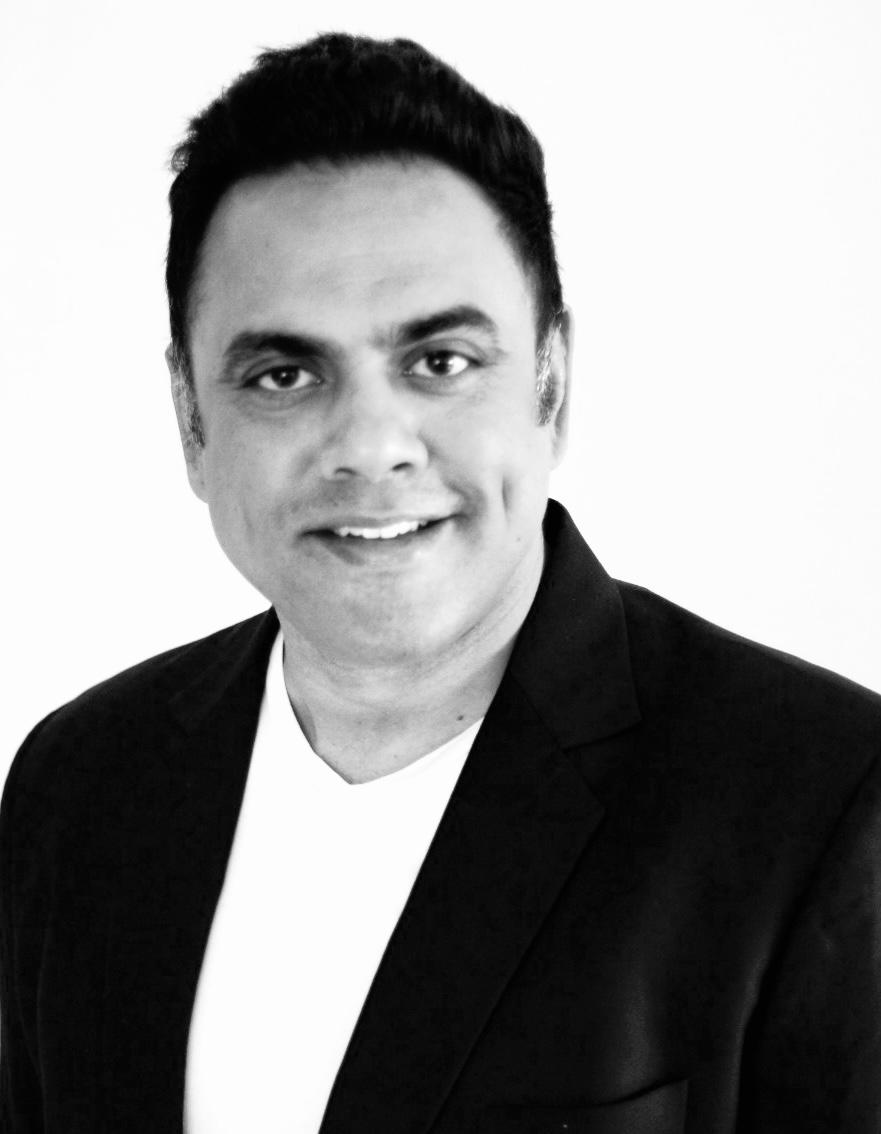
IMAGE: SUNIL DUA
1. What initially drew you to specialize in Salesforce and CRM transformation projects?
Early in my career, I saw firsthand how messy things can get when data is scattered and teams are stuck in silos. Back in 2008, my team and I worked on a CRM and ERP implementation for Barnes & Noble, which was revamping almost everything — from customer service to online sales, and even attempting to move from brick-and-mortar stores to digital platforms.
I realized how extensive the undertaking was: the project cost ran into multiple millions, timelines spanned years, and the level of effort required to build everything from scratch was immense.
At the time, there was no product that came with basic features organizations could use immediately, while still offering the flexibility to build on as needed. Salesforce was gaining traction, but it wasn’t nearly as widely adopted as it is today. I continued to closely follow the evolution of the product, and a couple of years later, I had the opportunity to work on an enterprise-level Salesforce implementation.
Salesforce stood out because it’s not just a database — it’s a platform you can mold to fit almost any process. Over time, I realized I could help organizations not just “install software” but rethink how they serve their members, customers, or communities. That combination of problem-solving, a product far beyond an MVP, its low-code configuration model, and its potential for impact is what hooked me.
2. Can you share one of the biggest challenges you faced while leading a large Salesforce implementation, and how you overcame it?
One of the toughest projects I led was for a large nonprofit that was running on a patchwork of disconnected systems — Excel sheets for membership, a homegrown database for events, separate donor software, and countless email threads for coordination.
Each department had its own way of storing and tracking information, so pulling a simple, organization-wide report meant chasing down multiple people and manually stitching data together.
The bigger challenge wasn’t the technology — it was the mindset. Many staff had been using the same tools and processes for over a decade. They weren’t just hesitant; they were worried that moving to Salesforce would disrupt their work, erase “their” data, or make their jobs harder.
To overcome this, I shifted the conversation away from technical specs and “what the software can do” to showing them real, relatable improvements. Instead of talking about “automation workflows,” I demonstrated how a member renewal reminder could be sent automatically, saving the membership team two full days of manual emailing each month.
Instead of describing “reporting dashboards,” I built a live dashboard that showed donor trends instantly — something that previously took three weeks to compile.
By piloting these quick wins with a few open-minded staff, we created internal champions who started advocating for the system themselves. Adoption wasn’t forced; it became something they wanted because they could see exactly how it made their jobs easier and their impact greater.
3. How do you balance working with both private companies and nonprofit organizations, and what unique CRM challenges do each face?
Private companies usually focus on sales growth, efficiency, and customer retention. Nonprofits care just as much about efficiency, but their focus is more on member or donor relationships, mission impact, and transparency for funders.
The balance comes from listening carefully to what matters most to each. A corporate client might want a faster sales cycle, while a nonprofit might need to track every volunteer hour for a grant report. The technology can be similar, but the priorities and success metrics are different.
4. In your experience, what are the key factors that drive successful adoption of Salesforce within organizations?
- Clear vision – Before anyone logs in for the first time, leadership needs to clearly explain why the change is happening and what success will look like. This isn’t about a “new tool” — it’s about solving real pain points, like reducing manual data entry, improving reporting accuracy, or creating a 360° view of members. When staff can connect the system to outcomes they care about, they’re far more open to change.
- Early wins – Long implementations with no visible benefits are a fast track to frustration. I always recommend identifying 2–3 high-impact, quick-to-implement use cases that remove immediate pain. It could be something as simple as automating a weekly report that takes hours, or setting up a dashboard that gives real-time insight into program participation. These early wins build momentum and help even skeptical team members see the value.
- Ongoing support – Adoption isn’t “set it and forget it.” People need continued access to training, refresher sessions, and a go-to person for questions. As Salesforce rolls out new features, you also need a plan for introducing them in a way that’s relevant to the organization’s work. Without ongoing support, even the most enthusiastic users can slip back into old habits.
When these three elements work together, adoption isn’t just about “using Salesforce” — it becomes about embracing a better way of working. That’s when you see engagement, data quality, and ROI all improve dramatically.
5. How do you see AI transforming CRM systems in member-based organizations specifically?
AI is going to completely change how member-based organizations operate — not just in how they engage members, but in how staff work behind the scenes. In my vision, it’s not just about sending smarter emails or recommending the right event; it’s about creating an intelligent layer that works for both sides — staff and members — almost like having a team of digital colleagues running in the background 24/7.
On the member side, imagine logging into a member portal and immediately seeing a personalized event calendar — not just the next events, but events ranked by your past interests, learning goals, and even the professional connections you could make by attending. Your AI agent could:
- Suggest who to meet at an event based on shared interests and complementary goals.
- Recommend breakout sessions or workshops that fill skill gaps in your profile.
- Offer real-time, dynamic pricing for tickets to encourage registration when engagement is trending low.
- Follow up after events with resources, connections, and tailored calls-to-action.
On the staff side, AI agents could act as virtual assistants that handle repetitive but critical work. For example:
- An Event Logistics Agent that updates vendor timelines, tracks registrations, and flags supply issues before they happen.
- A Member Engagement Agent that identifies at-risk members (e.g., those who haven’t interacted in months) and suggests outreach strategies.
- A Grants & Sponsorship Agent that finds sponsorship opportunities and prepares customized pitches based on historical sponsor preferences.
For nonprofit teams specifically, these AI agents can work within Salesforce, AMS, and LMS systems to pull insights from scattered data, predict member behavior, and automate workflows that would normally take hours. The goal isn’t to replace staff but to give them the equivalent of an extra two or three highly skilled teammates who never get tired and never miss a deadline.
6. What are some common barriers organizations face when adopting AI-augmented CRM tools, and how can they be addressed?
First, data quality — AI can only work with what it’s given. If member records are incomplete, inconsistent, or spread across multiple systems, the AI will produce incomplete or misleading recommendations. In many nonprofits and associations I’ve worked with, years of data entry by different staff using different standards means we have to spend serious time on data cleanup and governance before AI can deliver real value.
Second, trust — staff and leadership often worry that AI will “make decisions for them” or produce results they can’t verify. In mission-driven organizations, where accuracy and context matter deeply, this is a legitimate concern. People want to know why the AI is suggesting something, not just what it’s suggesting.
This is where Salesforce Agentforce can make a real difference. Because it’s built directly into the Salesforce ecosystem, Agentforce can work with existing permission sets, audit trails, and field-level security — meaning it doesn’t bypass governance rules.
More importantly, it can surface explainable AI outputs: when an agent recommends an action, it can show the source data and the reasoning behind it, giving staff the confidence to act on it.
The most successful approach I’ve seen is to start with one or two well-defined use cases — for example, an agent that identifies lapsed members and suggests personalized re-engagement campaigns, or one that prepares event attendance forecasts.
These are narrow enough to test, validate, and refine before expanding AI across the organization. Over time, as the data gets cleaner and the team sees transparent, reliable results, trust builds naturally — and adoption follows.
7. From your work, what are the main benefits and challenges of integrating CRM with AMS and LMS, especially regarding stakeholder value?
When a CRM, AMS, and LMS are properly integrated, you stop looking at a member as just a name in a database — you see their full journey. You can track that someone joined in 2018, attended three regional conferences, completed two advanced training programs, served as a volunteer mentor, and recently stopped engaging in webinars. That 360° view lets you tailor outreach in ways that actually matter — like inviting them to present at a conference in their expertise area, or offering them early access to a certification course that aligns with their career path.
The challenge is that most associations don’t buy these systems from a single vendor. The CRM might be Salesforce, the AMS something like Fonteva or Nimble, and the LMS from yet another provider. Each system stores data differently, uses different member IDs, and has its own update cycles.
Without careful planning, integrations can turn into expensive, one-way data dumps that get outdated quickly. I’ve seen cases where event attendance from the AMS never makes it back to the CRM, or course completions from the LMS are only updated quarterly — which kills any hope of timely, personalized engagement.
The real work is in designing integrations that are bidirectional, near real-time, and governed. That means mapping fields across systems, setting up rules for which system is the “source of truth” for each type of data, and putting in place data hygiene processes so you’re not just moving duplicates and errors around faster.
When it’s done right, though, it’s transformative. One association I worked with went from sending the same quarterly newsletter to all 40,000 members to segmenting communications into 12 targeted audience groups based on live data from all three systems. Engagement rates doubled, event attendance increased by 35%, and members started commenting that the association “really understands them now.”
COMMENTS