


The Insta360 Link 2 Pro arrives, claiming something that sounds small and huge at the same time. It is not just about sharper pixels. It is about turning the webcam into an active presence manager that handles framing, audio pickup, whiteboard capture, and even meeting summaries so you can stop babysitting the camera and start leading the conversation.
The real significance here is not only the 1.3-inch sensor or the promise of real 4K resolution. What actually determines whether this matters is how much the camera takes care of the fiddly parts of showing up online. If the camera can keep you in frame, clean your audio, and export a usable recap of the discussion, then it changes workflow and expectations for every meeting and stream.
What becomes obvious when you look closer is that Insta360 has packaged a set of features that aim to remove friction. That does not make every problem go away. It does mean creators and professionals face a new tradeoff between convenience and the resource and privacy costs of handing presence control to the device.
What Insta360 Link 2 Pro Actually Brings To Your Desk
Sensor, Resolution, And Image Processing
The headline hardware is a 1.3-inch sensor and advertises a real 4K resolution. That sensor size sits above what most inexpensive webcams offer, and is one reason the image can look cleaner without blowing out highlights. Dual native ISO is part of the camera pipeline, which helps maintain vibrant video across bright and dim conditions rather than forcing you to choose between grainy shadows or blown highlights.
Image processing aims for DSLR-like depth and definition so backgrounds recede and the subject stands forward. The product also supports Elgato Stream Deck for creators who want to flip scenes or presets without hunting through menus. Save and recall favorite angles, effects, and intelligent settings for instant changes in tone.
Audio That Tries To Die In The Background
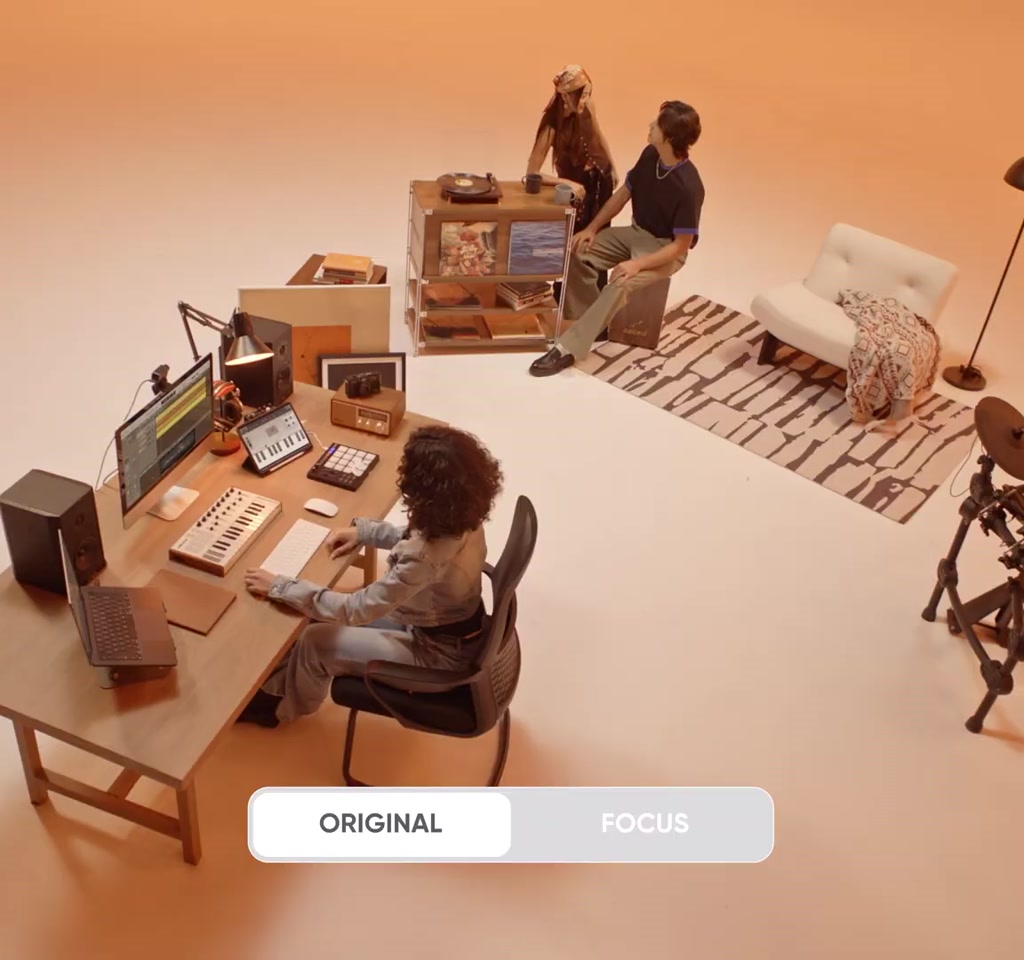
Audio is handled by an upgraded dual mic array that offers directional pickup and multiple capture modes. There is an original mode for authentic room sound and a focus mode that prioritizes the speaker in noisy environments. The goal is to make audio feel effortless so viewers or meeting participants notice the voice rather than the microphone quality.
The Smart Features That Change How Meetings Work
Tracking, Desk View, And Whiteboard Mode
Tracking keeps the subject centered, and you can set a tracking area to stop camera motion where you want, a practical privacy control. The tilt-down desk view lets the camera show your workspace with minimal distortion. Whiteboard mode is being upgraded to capture marker-free boards in clearer detail and to apply perspective correction so notes are readable without manual reframe.
The instant implication for presenters is that physical staging becomes easier. The camera follows movement without manual recentering and can switch to a downwards view to show a sketch or product without buying extra hardware.
Meeting Assistant And Workflow Integration
The Link 2 Pro Series pairs with Insta360 Wave for huddle room setups and includes an Insight meeting assistant to turn conversations into visualized shareable summaries. Integration that detects who is speaking automatically is meant to improve the flow of multi-person discussions and make recaps usable rather than cumbersome to produce.
The moment this breaks down is when the conversation or room layout exceeds the assumptions built into the detection logic. In practice, that can mean misattributed speaking highlights or extra cleanup in the summary if multiple people speak at once or if ambient noise confuses the pickup pattern.
Two Hard Constraints You Need To Know
Constraint one, cost and positioning. Expect this level of hardware and features to place the device in the low to mid hundreds of dollars rather than below one hundred dollars. That price bracket already segments buyers, so the decision becomes not whether you want a better image and convenience, but whether you want to pay for it now.
Constraint two, system resources and bandwidth. Real 4K video and continuous tracking increase CPU workload and data throughput. When used for live streaming or cloud-based meetings, you should plan for several times the bandwidth of a typical 1080p feed, often measured in the tens of megabits per second, depending on codec and platform. On laptops, continuous processing can also translate into noticeable battery drain over a full workday compared to casual webcam use.
These constraints create two concrete tradeoffs. The convenience of automated framing and meeting summarization tends to raise device and service costs into the hundreds rather than the tens. And the convenience of live 4K and live tracking transfers load to your local machine and your network, which often means upgrading hardware or bandwidth for consistent results.
How This Fits Into The New Work And Creator Stack
This camera is not a one-off novelty. It is a clear signal that webcams are evolving into integrated front-end devices for hybrid work and creator workflows. Integration with streaming controllers and room systems turns the camera into a node in a larger production setup rather than an isolated peripheral.
From an editorial standpoint, the decision to buy this type of camera depends less on raw resolution and more on whether you want to offload presence tasks. If you present frequently, or if your role requires repeated whiteboard sessions, the time saved from not constantly repositioning, reframing, or cleaning audio can justify the added cost and complexity.
What becomes obvious when you actually set up one of these devices is how many small chores it absorbs. That absorption creates new expectations. Meetings will be shorter when summaries are reliable, and creators will standardize around presets that match brand aesthetics. The consequence is cultural as much as technical.
Practical Adoption Tips And Final Thoughts
Set aside time for tuning. Intelligent tracking, audio modes, and whiteboard capture will generally work out of the box, but getting the best results often requires several setup iterations. Expect to spend between a few minutes and a couple of hours dialing in tracking area, audio pickup, and preset angles to match your space and lighting.
Keep privacy policies and control in mind. A one-push privacy button is a solid safety valve that pauses capture instantly, but users and organizations should still confirm how meeting data and summaries are stored and who can access them. That is not solved by hardware alone.
Quotable takeaway, without apology: a webcam that actively manages presence changes what it means to be prepared on camera. It shifts effort from platform workflow to device setup, and that tradeoff will decide whether this generation of cameras becomes standard in offices and creator rigs.
Insta360 Link 2 Pro is not a miracle box. It is, however, a clear upgrade in a moment when showing up online has become a repeatable, high-stakes task. Watch how this category evolves when the balance moves from pixels to presence, and expect the next round of refinements to focus on reliability and scale as much as features.
COMMENTS