


A cheap USB cable on a random store shelf looks innocent enough. The price is low, the connector fits, and you just want your phone charged. The problem is that the primary keyword cheap USB cable danger is real. Some cables include hidden hardware that behaves like a small computer, not a basic wire. You plug it in, expecting power, and your device quietly opens a data channel you never intended.
This isn’t something out of a spy movie. Security researchers have demonstrated it multiple times, and the idea has circulated so widely that counterfeit manufacturers sometimes build cables with more inside than you bargained for.
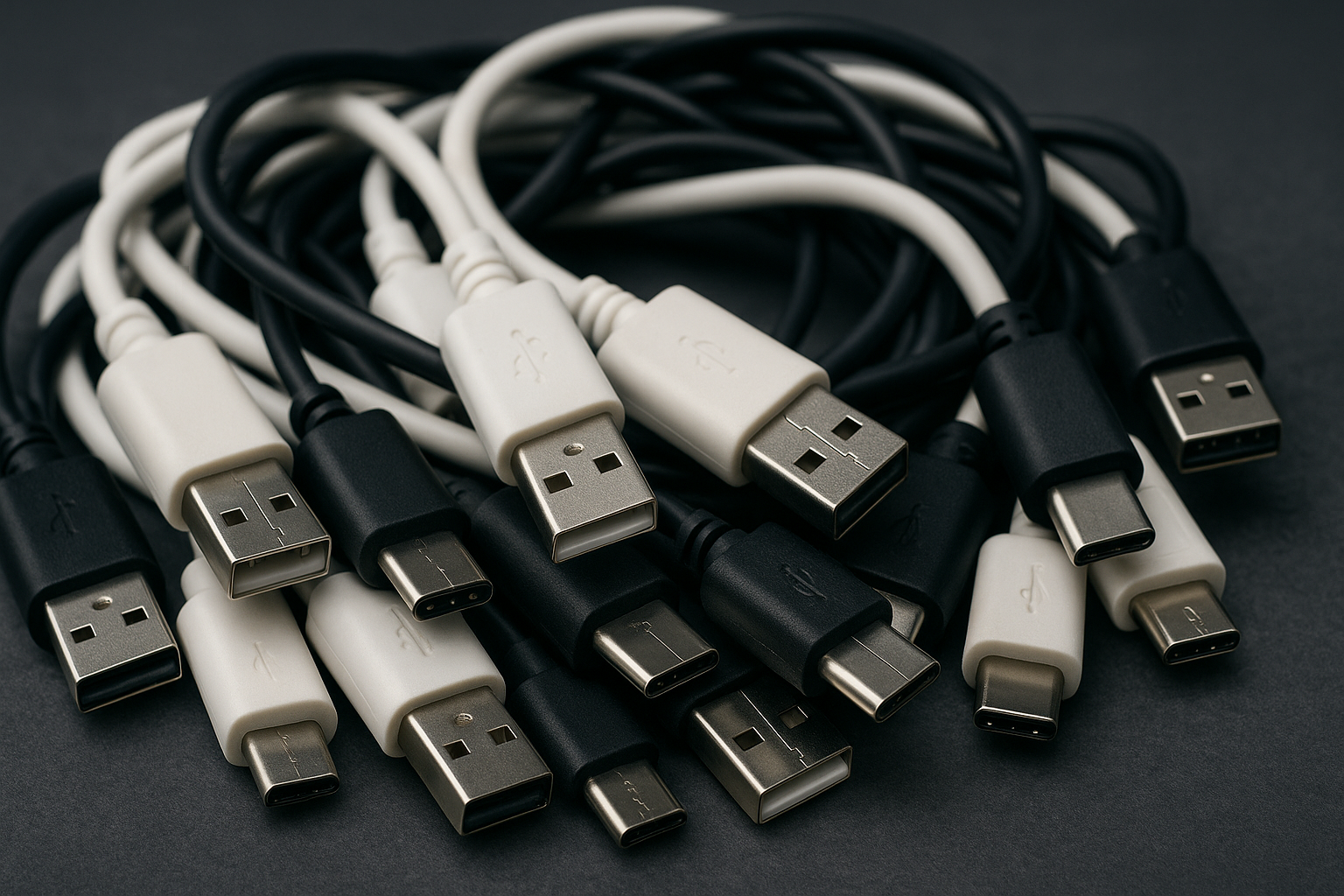
IMAGE: BIT REBELS
When A Charging Cable Does More Than Charge
Inside many inexpensive cables you will find inconsistent manufacturing choices. Sometimes it’s accidental. Sometimes it’s lazy reuse of parts. And in a few cases, it’s deliberate.
A compromised or poorly made USB cable can:
- Present itself as a keyboard when plugged into your laptop
- Inject commands instantly
- Open a data connection even when you think it’s charging only
- Carry a tiny wireless module that lets someone trigger it from nearby
These concepts first appeared in professional penetration testing tools like O.MG cables. They were created for cybersecurity demonstrations, not everyday traps. Still, the technology is simple enough to copy, and the components are cheap.
Why Data Lines Matter More Than You Think
Most people never think about the difference between power only and full data USB cables. The truth is that many ultra-cheap models do not isolate the data pins at all. If the port you plug into tries to communicate, your device may respond without you noticing.
This is the foundation of “juice jacking”. Airports even warn travelers about it. A malicious charging station is not required. All it takes is a data-capable cable plugged into a device you do not control.
A good habit is buying cables that clearly label themselves as power only if that’s all you need.
Hidden Chips Inside The Connector Housing
Miniature boards that fit inside the connector housing are easy to miss. They’re thin, they’re cheap, and they can impersonate legitimate USB devices. Security demonstrations showed cables that look completely normal yet can type hundreds of characters per second on a target machine.
A cable designed like this could:
- Launch a terminal window
- Execute a command sequence
- Download malicious scripts
- Alter settings on your machine
Again, these were originally tools for cybersecurity pros. The existence of these cables proves the concept works, and cheap manufacturing means consumers can’t easily know what’s inside a random cable with no brand reputation.
How To Tell Whether A Cable Is Worth Trusting
You can reduce risk without tearing a cable apart. A few practical observations help more than expected.
Stick to known manufacturers
Generic marketplace listings often mix images, brands, and sellers. Well known accessory makers tend to follow consistent standards. It doesn’t make them perfect, but it dramatically lowers the chance of hidden hardware.
Look for certifications
Apple’s MFi certification and USB-IF certification require compliance with certain construction guidelines. A certified cable is far more predictable.
Pay attention to connector quality
A well made connector usually feels solid and slightly weighty. Extremely flimsy housings, glossy plastic that scratches easily, or strangely oversized connectors sometimes signal recycled or mixed component builds.
Use power only cables when traveling
These cables physically lack the data pins. A public port can’t extract anything from your device because the connection simply doesn’t exist.
What Public Charging Stations Don’t Tell You
The charging booth at an airport or café might use perfectly safe hardware, but the cable hanging from it might have been swapped. Public spaces see constant foot traffic, and staff rarely inspect loose charging accessories.
A personal cable eliminates the guesswork. If you want even more safety, a small USB data blocker adapter cuts the data pins entirely, letting you draw power without exposing your device. Cybersecurity experts use them routinely.
This same mindset fits right in with the digital safety topics often covered here on Bit Rebels, especially for readers who follow our gadget and crypto security articles.
How Big Is The Real Risk?
Most cheap USB cables don’t include malicious chips. The majority are simply low quality. The issue is that you can’t detect the dangerous ones visually, and the consequences can be severe if you happen to plug in the wrong cable.
Security researchers describe this as a “low probability, high impact” threat. The chance isn’t massive but treating every unknown cable casually is an unnecessary gamble.
Keep your environment controlled. One cable for home. One for your travel bag. Ignore random freebies at offices and events.
Hidden Electronics Are Everywhere Now
Microcontrollers, small memory chips, and thin boards are cheap. That’s why we see smart functionality in items that used to be simple. Chargers, adapters, even HDMI dongles often include extra electronics.
When a product category becomes this saturated with tiny components, inconsistency becomes common. Mixing recycled parts with new casings is normal in low cost manufacturing. That unpredictability is enough reason to be selective.
Being aware of this trend makes your digital life far safer. It mirrors the same logic behind crypto hardware wallet practices and network security routines, two topics Bit Rebels readers often explore.
A Simple, Practical Safety Checklist
Here is a set of habits that work without complicating your life:
- Buy cables from brands you recognize
- Keep one trusted travel cable
- Use data blockers near public ports
- Prefer power only cables for pure charging
- Replace any cable that behaves strangely
- Ignore cables found lying around
- Treat a cable like a USB stick, not a harmless accessory
Short, realistic steps. No paranoia needed.
A Cable Should Never Act Like A Device
At its best, a USB cable is nothing more than a bridge for electricity. When that bridge becomes something else, even slightly, you lose visibility into what your device is connecting to.
That’s the real USB cable trap. Not the dramatic spy gadgets. Not the Hollywood scenarios. The small, invisible features hidden inside something you barely think about.
If you want to explore more tech safety angles or dive deeper into the hidden behavior of everyday gadgets, Bit Rebels has plenty of guides that peel back the layers of the devices we rely on daily.
COMMENTS