


Quality in modern image editing is determined by precision. Each pixel counts, in the extraction of objects in the professional image, advertisement, or digital works. The object isolation process can take a lot of time, particularly when using manual tools, which require skill and patience to achieve a perfect isolation of an object.
CapCut Web’s Transparent Background Maker solves this challenge with advanced AI-driven automation. The site enables you to do perfect cut-outs without a complicated hand-editing. It achieves clean refined edges and transparent results, which look professional in design by processing each pixel intelligently.
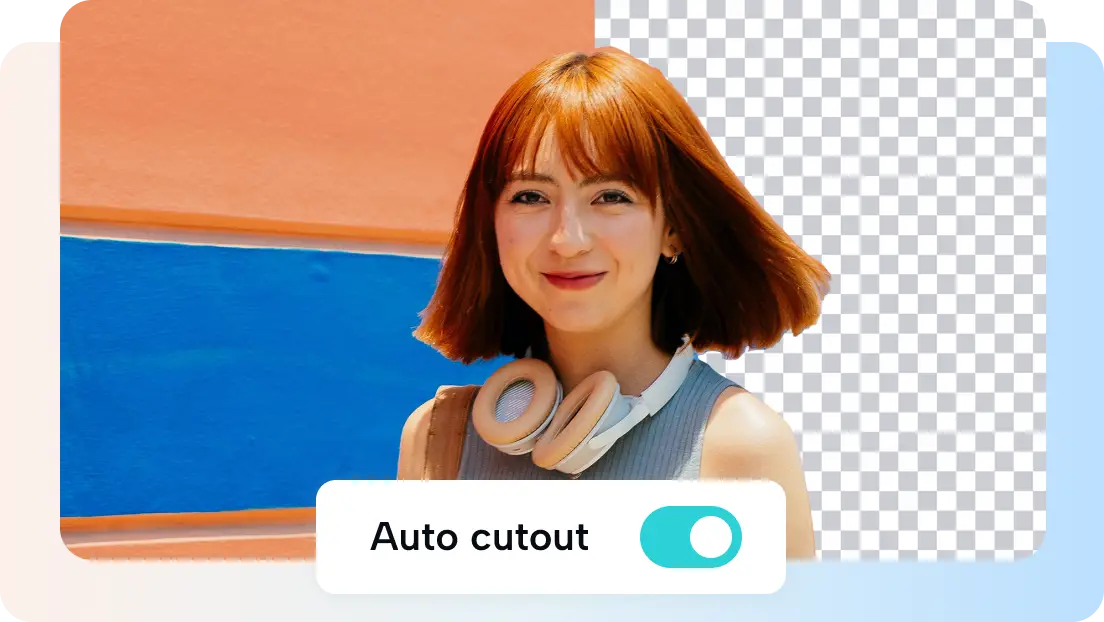
IMAGE: CAPCUT
The Importance Of Perfect Object Cut-Outs In Digital Design
Precision in digital design affects the expression of visuals. A well isolated object improves composition and highlights the main elements. Be it on an advert of a product, a banner or even on an infographic, crisp cut-outs denote quality and professionalism. One jagged edge is enough to spoil a whole design. That’s where CapCut Web’s transparent background maker transforms efficiency.
It assists you in eliminating distractions and making visuals versatile. You also have the flexibility of being able to blend objects across scenes with transparent layers. You can set products on any background or combine designs to create a creative story. Clean isolation will make sure that each object blends in with the rest and enhances visual unity between platforms and campaigns.
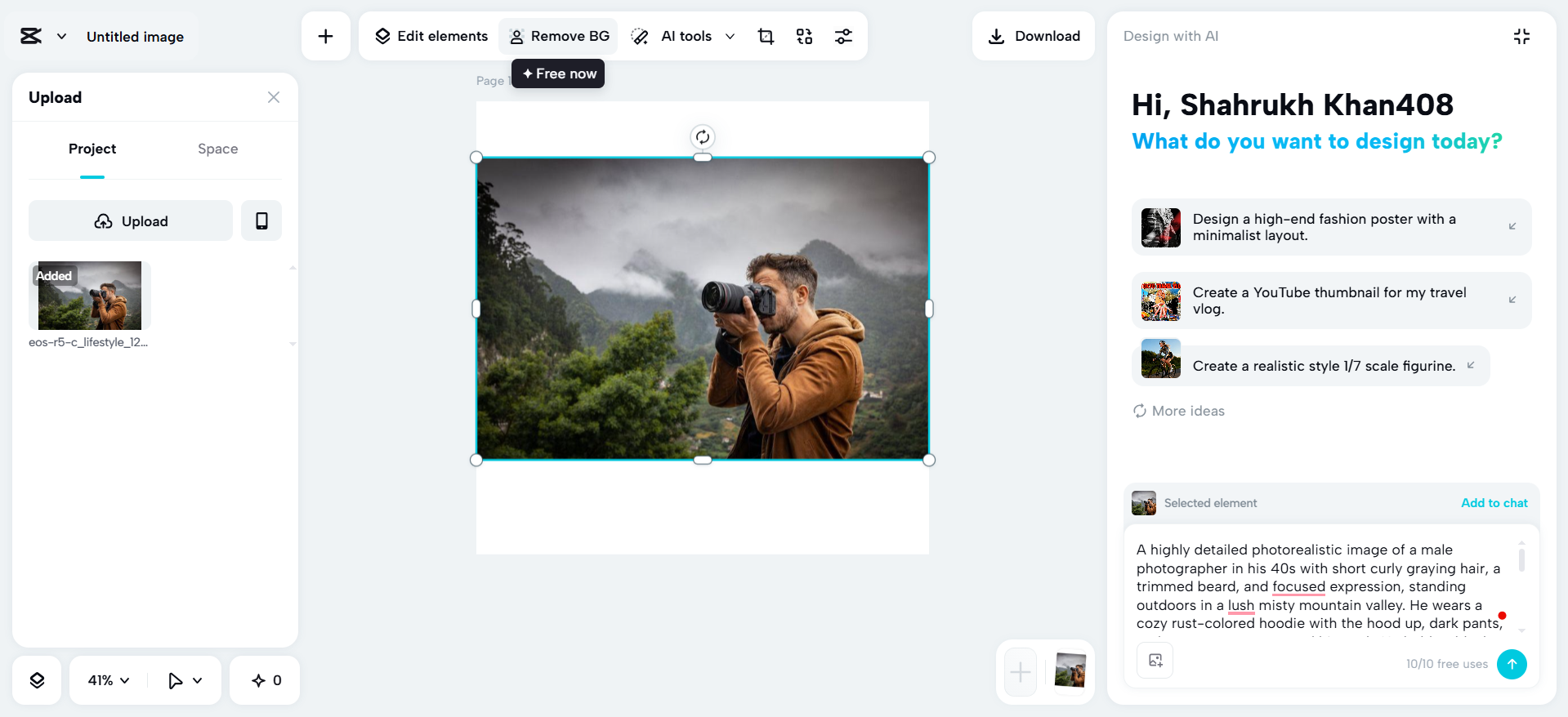
IMAGE: CAPCUT
The AI Role Of CapCut Web In Clean Edges
The AI engine in CapCut Web delivers superior accuracy. It relies on algorithmic edge detection to differentiate objects with very fine detail off their environment. It is not just a color separation process. Rather, it identifies depth, texture, and light variations to sharpen object edges. The AI of CapCut Web is more effective and efficient compared to the more traditional manual tools.
Is it necessary to enlarge the image with zoom and follow the edges pixel by pixel? The platform handles complicated information such as hair, fabric textures and soft shadows with ease. Glass or smoke, or other transparent or semi-transparent materials, will still have their realistic depth. The smart refinement of the platform makes sure that you get smooth edges and no residue of the background you were on. Its precision can enable you to concentrate on innovation rather than fixing.
As CapCut Web continues to evolve, it integrates smarter automation comparable to advanced AI utilities like an AI logo generator. Both of the tools use computational learning to generate graphically appealing results. This automation saves time on editing as well as maintaining professionalism among different visuals.
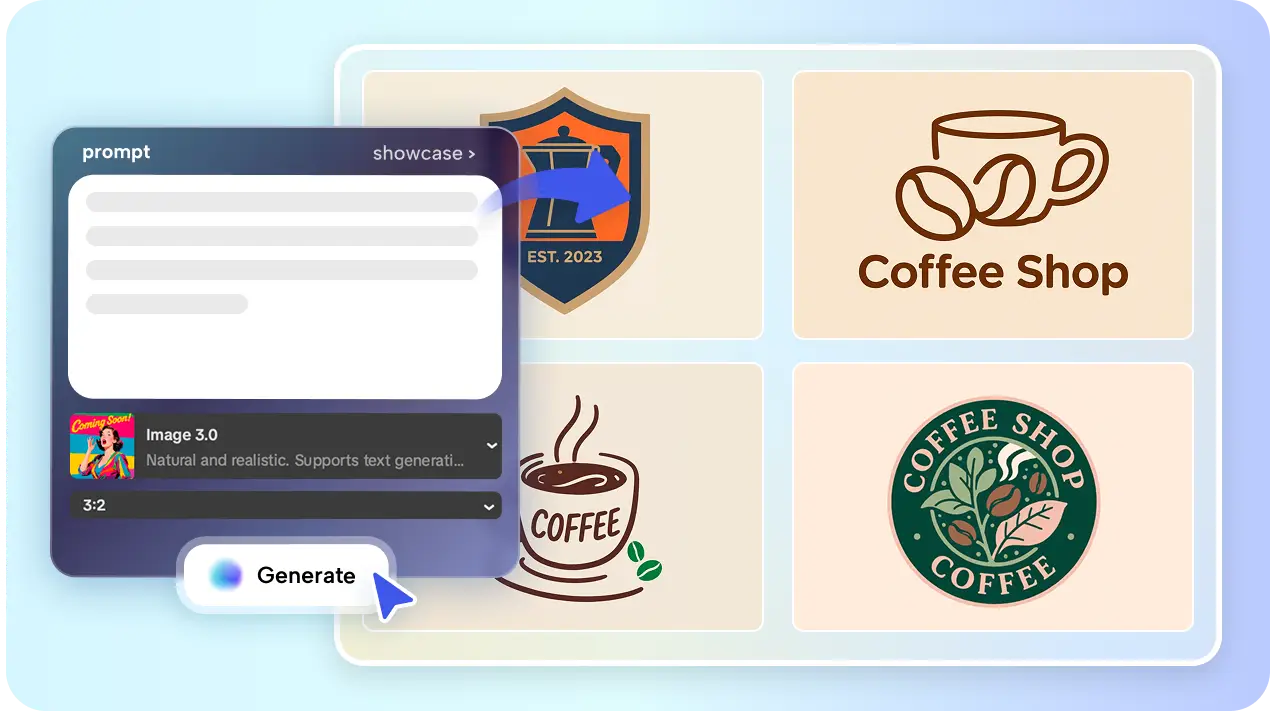
IMAGE: CAPCUT
Cut-Out Precision Tools And Features
CapCut Web has offers a comprehensive set of controls to accomplish pixel-level accuracy. The Remove Background option enables you to choose locations with a finer pointer. This puts the entire control in your hands about what to keep or to discard. To micro-edit, zoom and feathering can be used to fine-tune borders. Edge smoothing removes sharp edges, and your cut-out will be integrated seamlessly into new surroundings.
Output resolution can be adjusted and file formats can be selected (PNG or JPG). PNG is particularly important in keeping transparent backgrounds without compromising on quality. The format handling capability of CapCut Web enables you to incorporate images in a digital composition, presentation, or web site easily.
Perfect Cut-Outs In Creative Work
The perfect cut-outs are extensively used in contemporary creative work. In the case of eCommerce, they make all product images be viewed professionally against any online storefront. Isolating the use of clean objects helps the products to shine, boosting the rate of clicks and conversions. In the case of digital artists, collages, layered designs and surreal compositions are based on isolated elements.
Transparent images in infographics, ad banners, and social posts are created by the marketing professionals to make the visuals crisp and attractive. In branding consistency is important as well. The quality of cut-out is consistent regardless of campaigns, a feature that promotes visual uniformity, which enhances brand value. No matter the type of work you are doing be it fashion layouts or promotional graphics CapCut Web guarantees accuracy that is uniform to all your creative needs.
Steps To Cut Out Objects Perfectly With CapCut’s Transparent Background Maker
Step 1: Get Started with CapCut Web
To begin, go to CapCut Web and sign up. From the main interface, click on the “Image” tab at the top menu, then hit the “New image” tab. This will take you to CapCut’s main image editing workspace.

IMAGE: CAPCUT
On this screen, click the “+” tab from the top menu, and then choose the “Upload” tab to add your image. You can either pick files from your device or simply drag and drop them for easy upload.
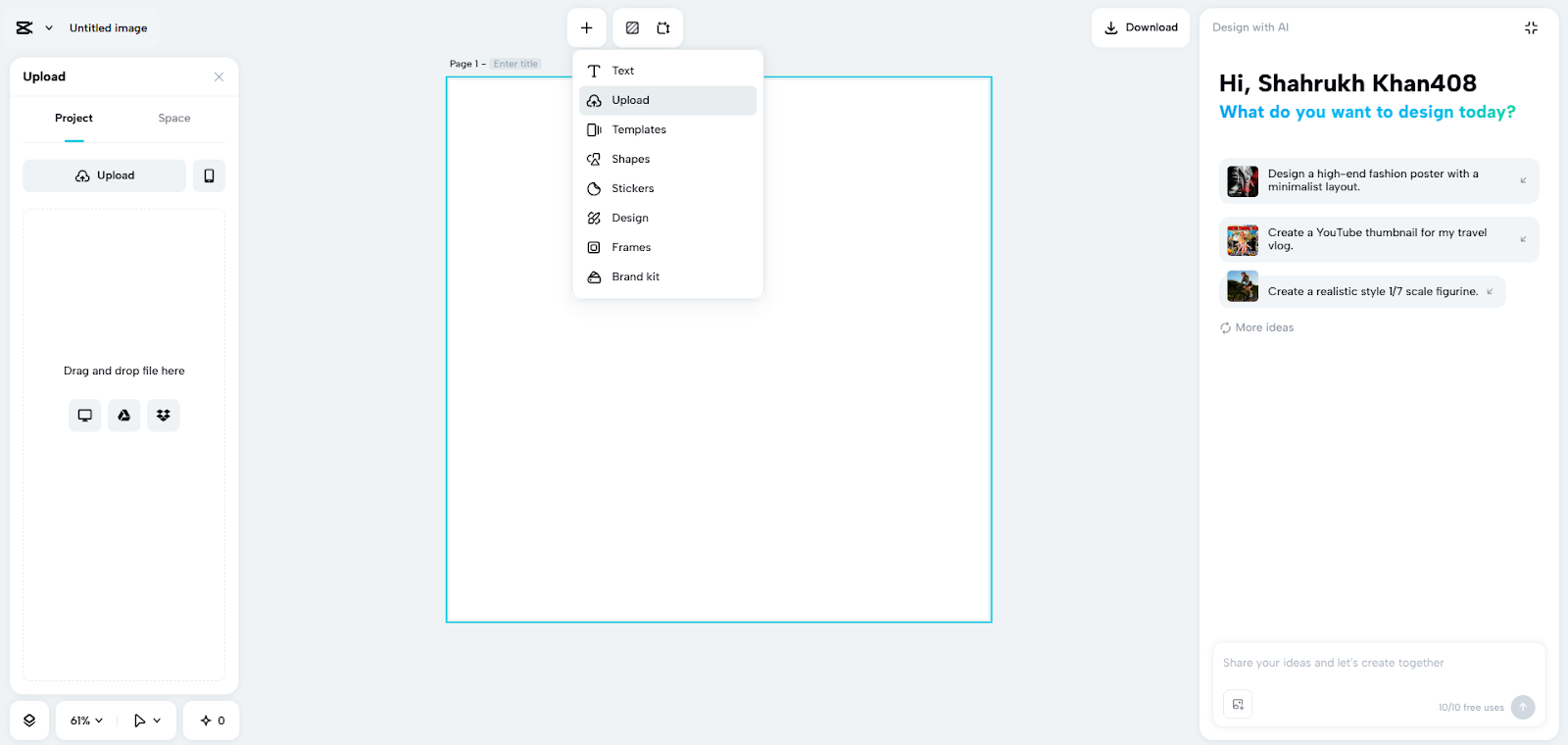
IMAGE: CAPCUT
Step 2: Remove Background With Precision
After the image is uploaded, select it and click on the “Remove background” tab from the top menu.
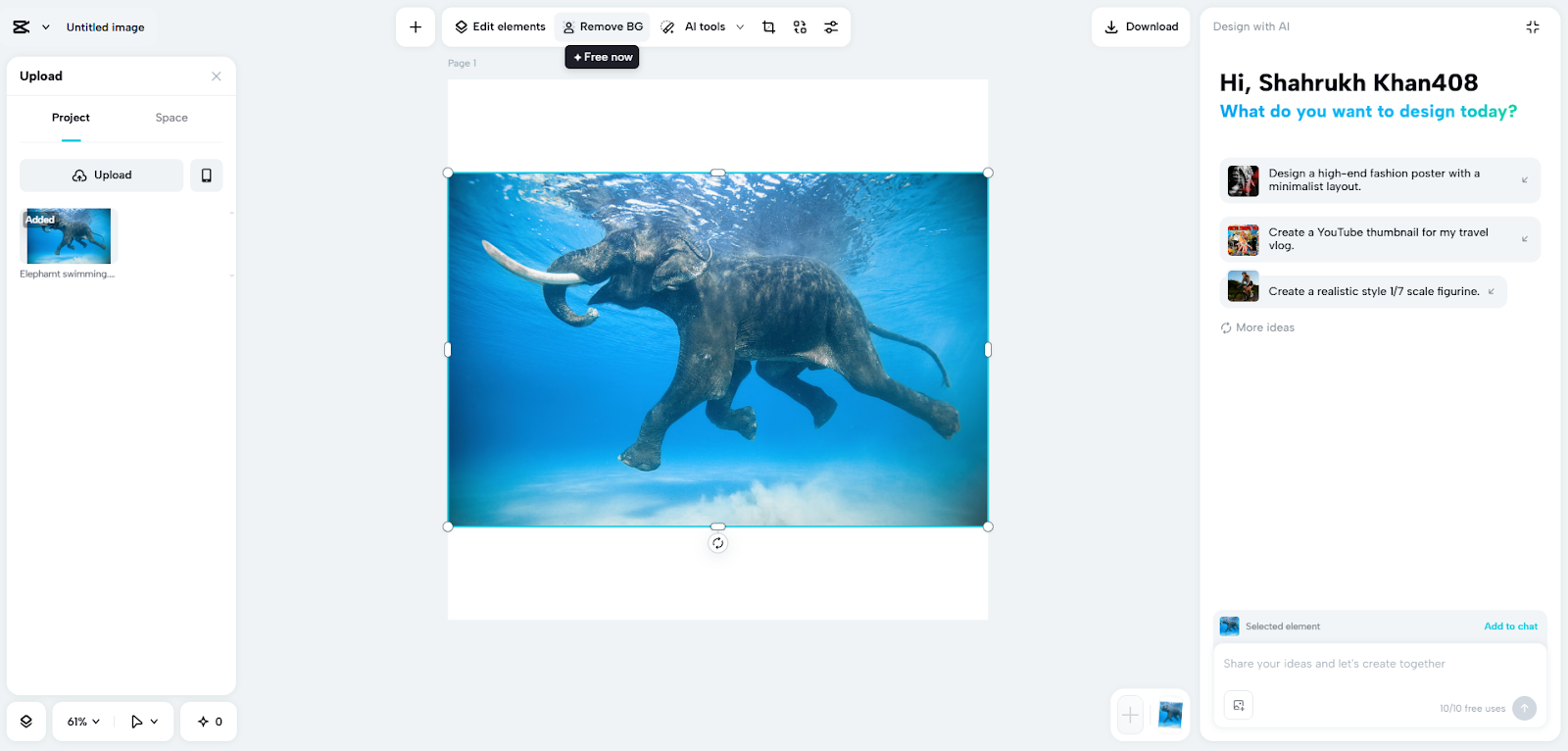
IMAGE: CAPCUT
A pointer will appear—use it to highlight the part of the image you want to keep intact. You can adjust the pointer size using the slider on the top menu. Once satisfied, click on the “Generate” tab to remove everything outside your highlighted area. You can also refine your image using filters, effects, stickers, and custom text available in CapCut.
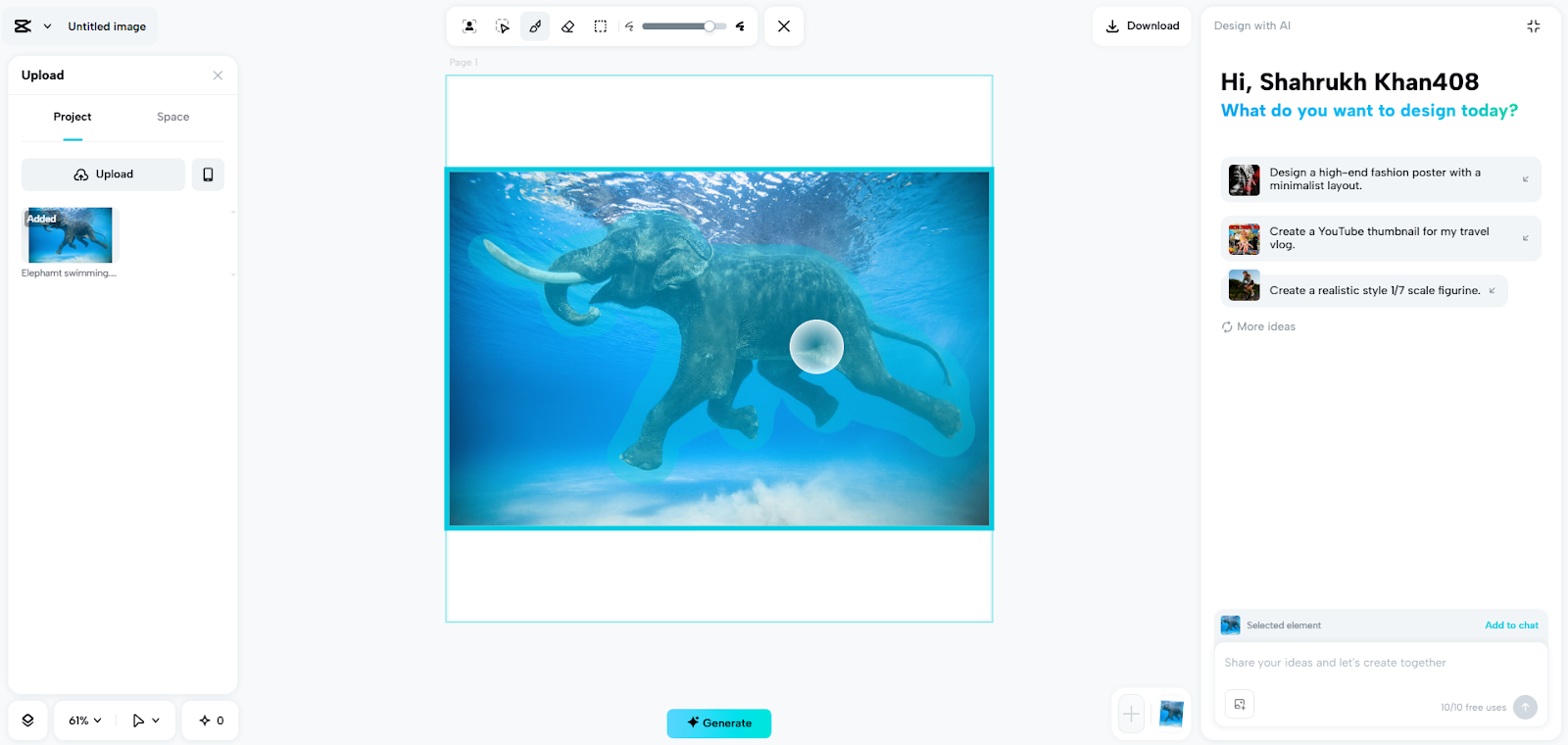
IMAGE: CAPCUT
Step 3: Download Your Perfect Cutout
When you’re happy with the cutout result, click on the “Download” tab located at the top right corner. Save your work as PNG or select a custom format, quality, or size to download to your local device.
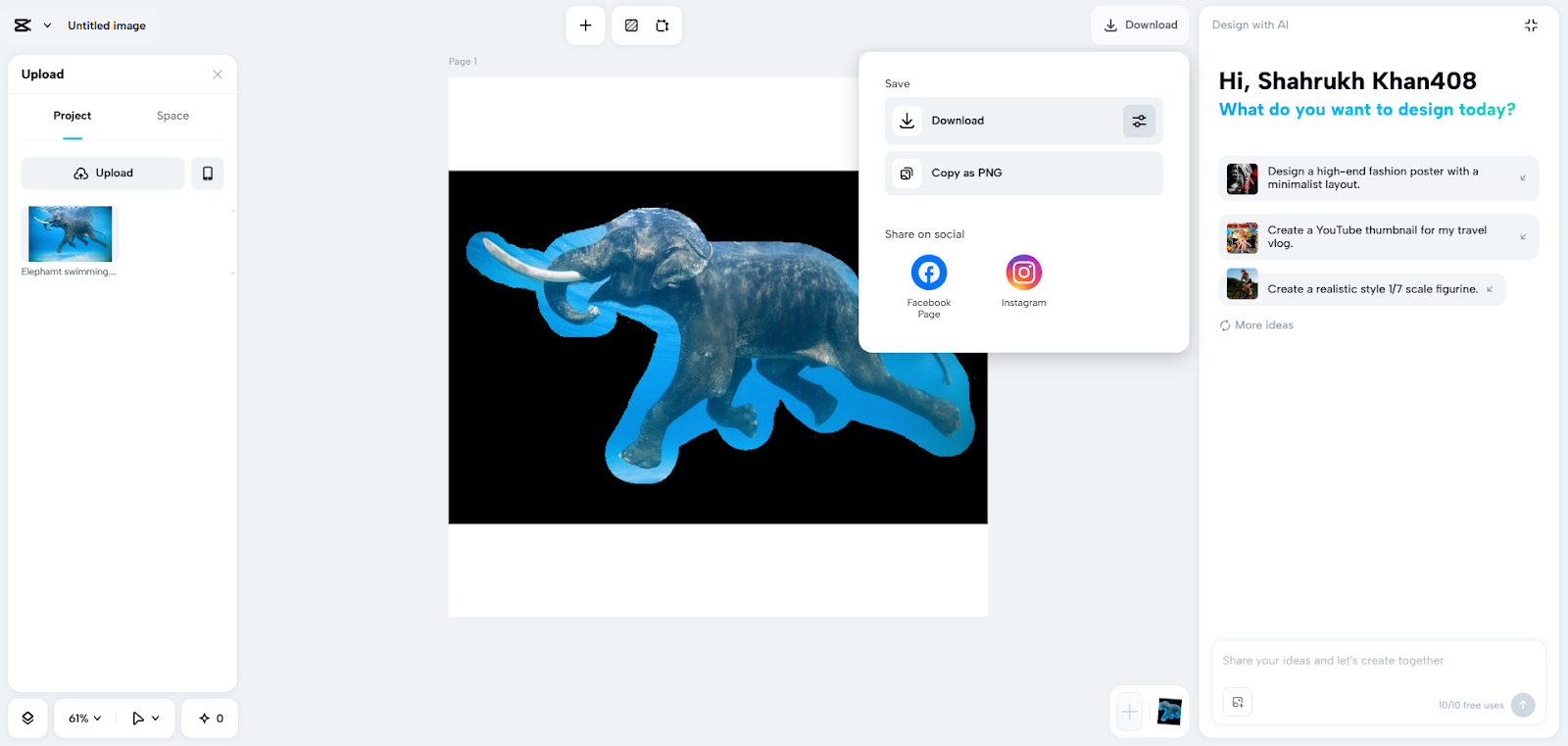
IMAGE: CAPCUT
Additional Tools To Cut-Outs With CapCut Web
Once you have made the ideal cut-out, you can also polish images using the CapCut Web enhancement features. Utilize filters to fit color tones or make light modifications to adjust brightness and contrast. Custom overlays are also capable of adding innovative depth, and making your images look unique. Simple transparency may also be substituted with the structured backdrops like natural and studio textures.
Vignette or blur are visual effects that give a professional touch to product or portrait images. The built-in editor gives you the power to edit each component to the point where your creation seems finished. These other steps assist in the development of simple pictures into meaningful digital resources that can be published.
Conclusion
CapCut Web’s Transparent Background Maker streamlines one of the most demanding aspects of image editing. It is a blend of AI accuracy and the convenience of control, where professionals and amateurs can ensure perfect cut-outs with ease.
The platform makes every object stand out and mixes organically with new compositions. And, whether it is eCommerce, art, or branding you can count on CapCut Web to be truly accurate and visually correct. Find out the accuracy features of today to take any design project even higher with flawlessly isolated pictures.
COMMENTS